Individual Camera Feeds
Get a unique URL for each guest's camera. Add them as separate browser sources in OBS for complete layout control.
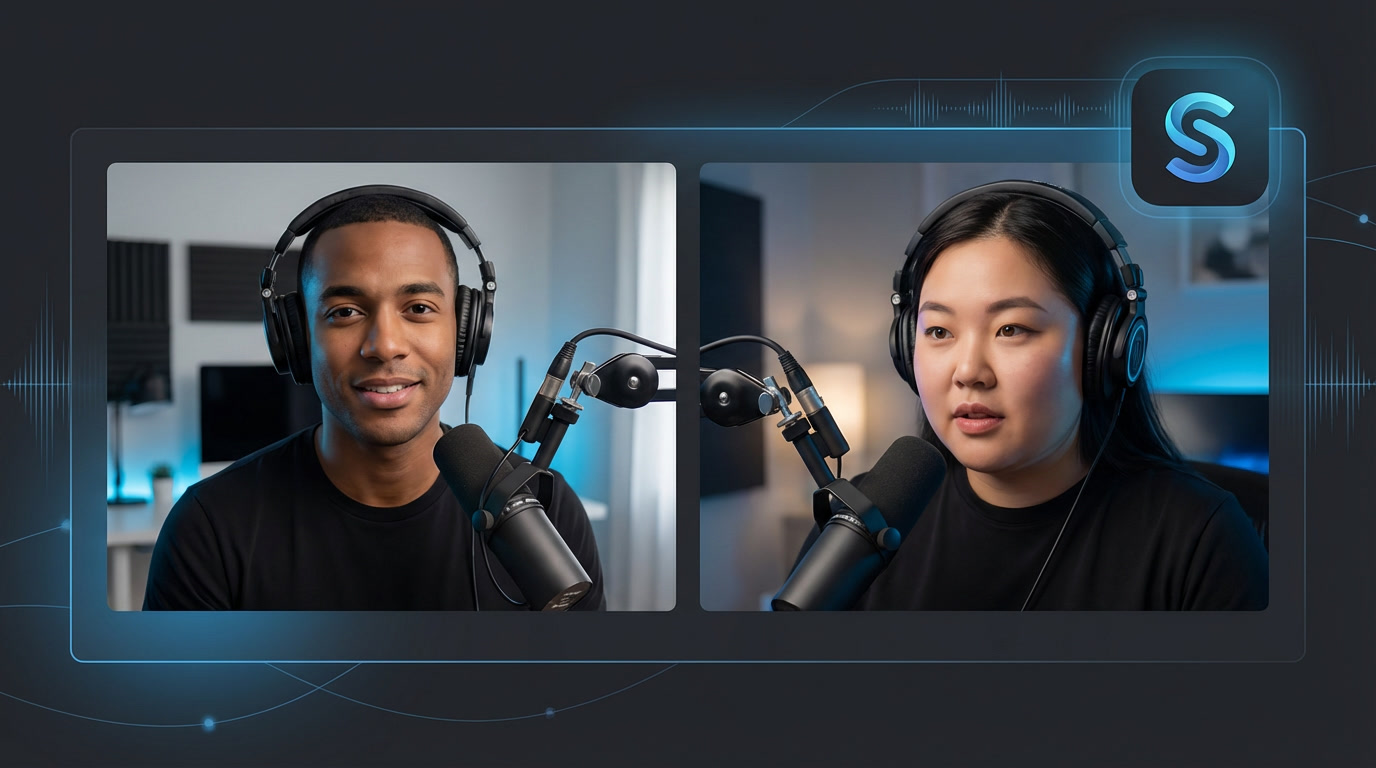
The simplest way to add remote guests to your livestream or podcast. Get individual camera feeds for OBS in seconds — no downloads required.
Built for livestreamers and podcasters who want professional remote guests without the complexity.
Get a unique URL for each guest's camera. Add them as separate browser sources in OBS for complete layout control.
Designed for OBS Studio. Clean, transparent-ready video feeds that drop right into your scenes with zero hassle.
Guests wait in a holding room until you're ready. Admit them when you want them on screen — you're in control.
Record your sessions with one click. Downloads available after your stream ends. Never miss a moment.
Guests just click a link and join from their browser. No apps, no plugins, no friction. Just works.
Up to 1080p video at 30fps. Adjustable quality settings to match your bandwidth and production needs.
Go live with remote guests in three simple steps.
Enter your name and create a guest room in seconds. No account required to get started.
Send your guest the invite link. They join from their browser with just one click.
Copy the OBS browser source URL and add it to your scene. That's it — you're live!
Start for free. No credit card required. Go live in minutes.
Launch StreamR